eSIM for Cruise Ships: What Works and What Doesn't (2026)
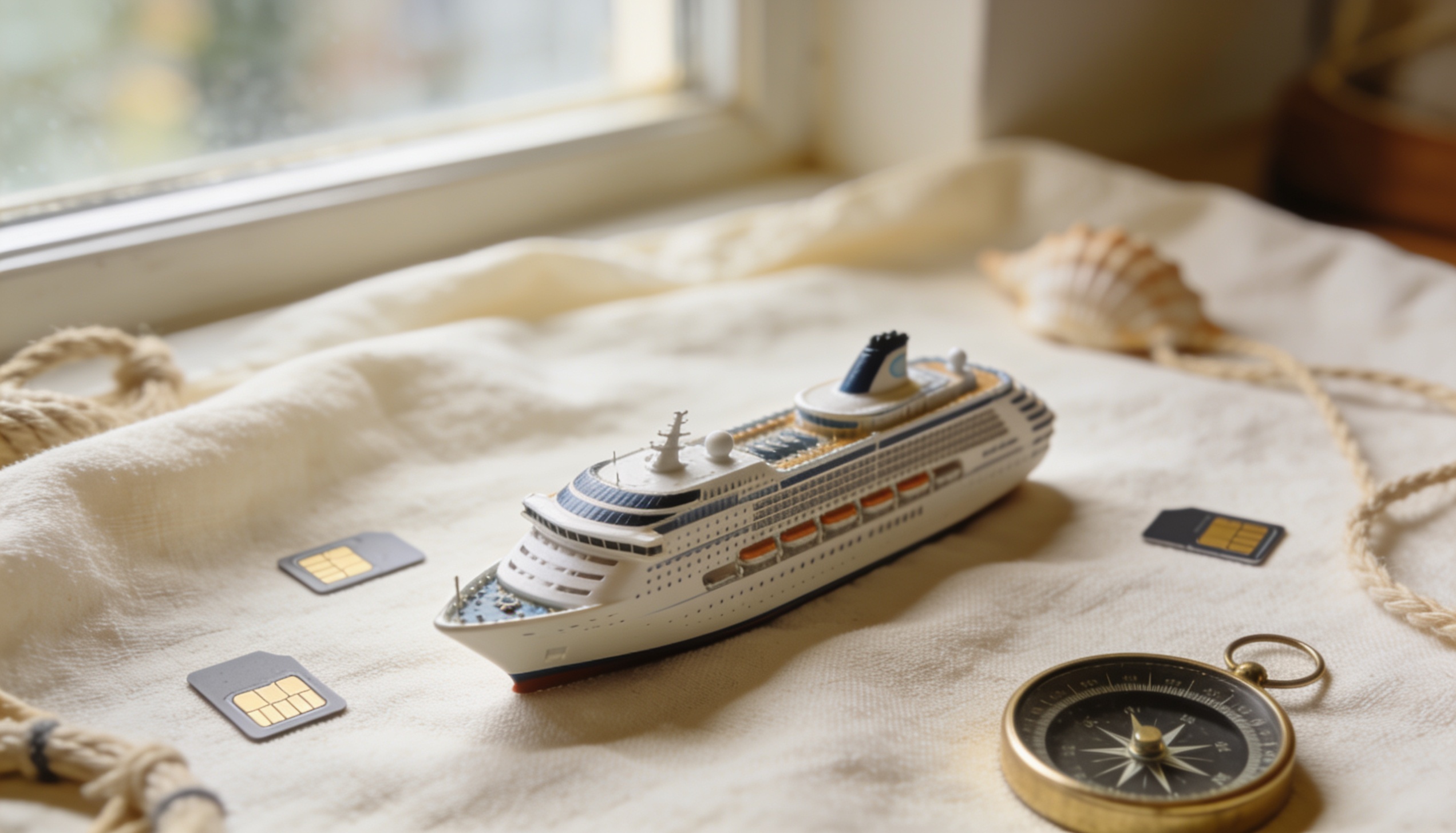
The short version: eSIM works brilliantly at cruise ports, and doesn't work at all in the middle of the ocean. Understanding which is which — and planning around it — is what separates a well-connected cruise from one full of frustrating connectivity gaps. Here's an honest breakdown of what eSIM covers on a cruise and how to plan your data accordingly.
Does eSIM work on a cruise ship? Yes — at port, eSIM connects to local cell towers exactly like any other destination. At sea, eSIM has no coverage; your phone can only connect to the ship's own satellite-based Wi-Fi network, which is separate from your eSIM plan. Plan to use your eSIM at ports and the ship's Wi-Fi package at sea.
Why eSIM Doesn't Work at Sea
eSIM relies on land-based mobile cell towers, just like a regular SIM card. In open ocean, you're simply out of range of every tower on earth. No carrier — regardless of how good their coverage is — provides mobile data connectivity at sea.
What cruise ships offer instead is their own onboard network, powered by VSAT (Very Small Aperture Terminal) or similar satellite technology. This is a completely separate system from your eSIM. Ships sell access to it as a Wi-Fi package — typically priced by the day or as a full-voyage bundle. The speed and reliability of these packages varies significantly between cruise lines and even between ships in the same fleet.
Important: If your phone latches onto the ship's maritime network automatically (visible as a carrier name like "Maritime Communications" or "AT&T Maritime" in your status bar), and you don't have a maritime data plan, you may be charged very high per-MB rates by your home carrier. Turn off data roaming on your home SIM before boarding to prevent this.
What eSIM Is Great For on a Cruise
Every time your ship docks at a port, you're back in range of land-based cell towers. Your travel eSIM activates automatically and gives you normal mobile data access — exactly as it would if you'd flown directly to that destination. For most cruise itineraries, this covers a substantial portion of your trip.
A well-chosen travel eSIM plan lets you navigate port cities without relying on the ship's Wi-Fi, stay contactable during shore excursions, share photos in real time, and look up restaurant recommendations without roaming charges from your home carrier. The key is choosing the right plan type for your itinerary.
Choosing the Right eSIM for a Cruise
| Cruise Route | Best eSIM Type | Notes |
|---|---|---|
| Caribbean | Regional multi-country plan | Look for plans covering: Barbados, Jamaica, Cayman Islands, Curaçao, St Maarten, etc. |
| Mediterranean | Europe regional plan | EU roaming plans often cover all Western Mediterranean ports |
| Norwegian Fjords | Regional Nordic/Europe plan | Norway is not in EU — check your plan explicitly covers it |
| Alaska | US/Canada plan | Alaska ports are US coverage; Skagway, Juneau, Ketchikan all have standard US cell service |
| Asia-Pacific | Country-specific or multi-country Asia plan | Coverage varies significantly — check each port country individually |
Before buying a plan, list every port of call on your itinerary and verify that your chosen eSIM plan covers each country. Most eSIM providers list supported countries explicitly on their plan pages. Compare options for your route at roamprice.com to see all available plans side by side.
Tip: Many cruise itineraries include a sea day (no port stop) every 2–3 days. On those days, you'll have no eSIM coverage. Download offline maps for every port before you leave home, and pre-download any entertainment (podcasts, music playlists, videos) before sea days so you don't need data for them.
Cruise Ship Wi-Fi vs eSIM: When to Use Each
Use your travel eSIM: Whenever you're ashore in a port city. This gives you full mobile data access at normal eSIM speeds, with no per-minute charges. Use it for maps, messaging, social media, and any data-heavy tasks that you've been saving up.
Use ship Wi-Fi: At sea, when you genuinely need connectivity — checking in with family, sending emails, or catching up on news. Most cruise lines offer a basic messaging-only tier that's reasonably priced, and a full browsing package at higher cost.
Consider going offline: Sea days are often the most genuinely restful days of a cruise. Downloading everything you need (books, podcasts, offline maps for upcoming ports) before sea days removes the pressure of staying connected. Many frequent cruisers do this by choice.
How to Prevent Unexpected Charges on a Cruise
Before boarding, take these steps to avoid surprise charges appearing on your home carrier's bill.
- Turn off data roaming on your home SIM. Without this, your home SIM may connect to maritime satellite networks automatically and charge roaming rates.
- Turn off iMessage and FaceTime over cellular if you're not on a Wi-Fi-only setup — these can trigger small background data connections.
- Disable background app refresh for data-heavy apps (Instagram, TikTok, email) so they don't auto-sync when you briefly connect in port.
- Check your eSIM plan's validity period. If you buy a plan with a 7-day validity for a 14-day cruise, it will expire mid-trip. Buy accordingly.
Frequently Asked Questions
Does eSIM work on a cruise ship?
At port, yes — eSIM connects to local land-based cell towers and works exactly like in any other destination. At sea, no — eSIM has no coverage because there are no cell towers in open ocean. The ship's own satellite Wi-Fi network is separate from your eSIM plan and requires a separate purchase.
What eSIM plan should I buy for a cruise?
List every port of call on your itinerary and find a plan that covers all of them. For Caribbean cruises, look for a multi-country Caribbean or Americas regional plan. For Mediterranean, a European regional plan typically covers all major ports. Verify each port country is explicitly listed in the plan's coverage before buying.
Can I use my home carrier's roaming plan on a cruise?
At ports, yes — home carrier roaming works wherever their partners have coverage, same as eSIM. At sea, maritime roaming rates from home carriers can be extremely expensive per MB. Always turn data roaming off before a sea day if you're not using the ship's Wi-Fi package.
Is the ship's Wi-Fi worth buying?
For occasional messaging and email, the basic messaging-only tier offered by most major cruise lines is reasonable. For full browsing, the quality varies widely by ship and cruise line — Royal Caribbean, Celebrity, and Norwegian have invested significantly in satellite capacity in 2025–2026, while smaller or older ships may still have slow, expensive connections. Check recent reviews for your specific ship before deciding.
Going on a cruise? Find the best eSIM plan for your ports of call.
Compare multi-country and regional eSIM plans for your itinerary — real-time pricing, free, no sign-up. roamprice.com →