eSIM SIM Swap Fraud: How to Protect Your Number (2026)
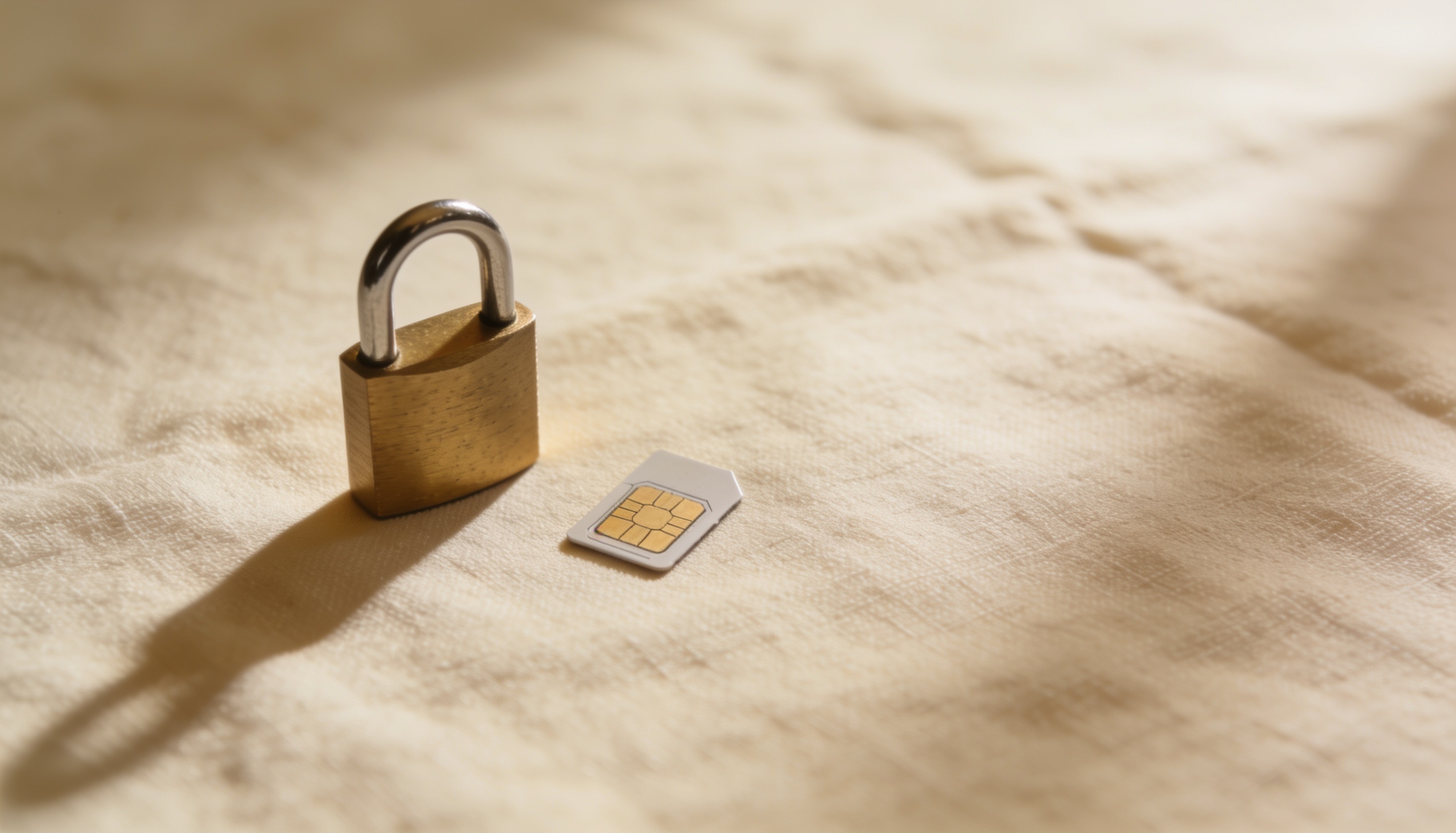
SIM swap fraud is one of the most damaging forms of phone-based identity theft. An attacker convinces your carrier that they are you, transfers your phone number to a SIM card they control, and immediately receives every SMS verification code sent to your number — giving them access to your email, banking, and any account that uses SMS-based two-factor authentication. With eSIM, the attack requires no physical visit to a store. It can be done entirely over the phone or online.
How to protect against eSIM SIM swap fraud: Add a PIN or passcode to your carrier account (not your phone PIN). Switch all important accounts from SMS-based 2FA to an authenticator app. Enable account change notifications from your carrier. Ask your carrier about number lock features. If you suddenly lose signal with no explanation, call your carrier immediately — it may indicate an active SIM swap.
How SIM Swap Fraud Works
The attack follows a consistent pattern. First, the attacker collects personal information about you — often from data breaches, social media, or phishing. Armed with enough details (name, address, last four digits of your SSN or account number), they contact your carrier's customer support and claim to be you.
They say they've lost their phone, or bought a new device, or want to transfer their number to a new SIM or eSIM. If the carrier's verification process is weak — and historically, many are — they issue a new SIM or send an eSIM QR code to the attacker. From that moment, your phone loses signal and the attacker receives everything sent to your number.
Why eSIM changes the attack surface
With physical SIM swaps, the attacker had to visit a carrier store in person or receive a physical SIM in the mail, which added friction and a potential evidence trail. With eSIM, the carrier can issue a QR code entirely digitally, making the attack faster and harder to detect. The attacker never has to appear anywhere in person — the whole process can happen remotely in minutes.
This doesn't mean eSIM is less secure than physical SIM inherently — the vulnerability is in carrier verification processes, not the technology itself. But the remote nature of eSIM issuance removes one physical barrier that previously slowed down these attacks.
What Happens After a SIM Swap
Once the attacker controls your number, they typically move fast. Using your phone number to receive SMS codes, they trigger "forgot password" flows on your email, banking apps, cryptocurrency accounts, and any service that uses phone-based recovery. Within minutes they can lock you out of your own accounts and begin extracting value.
The financial damage from SIM swap attacks varies, but cases involving cryptocurrency theft, banking fraud, and account takeovers have resulted in losses ranging from hundreds to hundreds of thousands of dollars. The attack is also frequently used to access celebrity and public figure accounts for the purposes of posting scam content to their followers.
Warning signs of an active SIM swap: Your phone suddenly shows "No service" or "SOS only" with no change in location. Calls fail and SMS doesn't work. You receive an email from your carrier about an account change you didn't initiate. If any of these happen, call your carrier immediately from another phone.
5 Steps to Protect Your Number from eSIM SIM Swap Fraud
-
Add a carrier account PIN or passcode Most carriers allow you to set a separate PIN for account changes — distinct from your phone PIN. This is required before any account modification can be processed. Set this online or by calling your carrier. This single step significantly raises the barrier for social engineering attacks.
-
Switch from SMS 2FA to an authenticator app SMS-based two-factor authentication is the primary target of SIM swap attacks. Replace it with an authenticator app (Google Authenticator, Authy, or a hardware key like YubiKey) on every account that matters: email, banking, social media, crypto. These apps generate codes locally and cannot be intercepted via SIM swap.
-
Enable carrier account change notifications Ask your carrier to send you an email or push notification for any account change — number port, SIM issuance, address update. Some carriers do this by default; others require you to opt in. Early notification of an unauthorised change gives you minutes to block it before damage is done.
-
Enable number lock / port freeze if your carrier offers it Some carriers (including T-Mobile and Verizon in the US, and several UK carriers) offer a number lock or port freeze feature that prevents your number from being transferred to any new SIM or eSIM without additional verification. Enable this and only disable it when you're actively switching devices yourself.
-
Consider a separate number for critical 2FA A Google Voice or similar VoIP number, used only for 2FA on your most critical accounts, is harder to SIM swap than a carrier number because it's tied to your Google account rather than a carrier's identity verification process. Some people use this as a secondary protection layer for banking and email accounts specifically.
What to Do If You've Been SIM Swapped
Speed matters. The moment you notice your phone has no signal and you didn't initiate any account changes, act immediately.
Call your carrier from a different phone — a friend's phone, a hotel landline, or a VoIP app over Wi-Fi. Tell them you believe you're a victim of SIM swap fraud and demand they lock your account and revoke any recently issued SIM or eSIM. Ask them to put a freeze on your account for further changes.
While on the call (or immediately after), change the passwords for your email and banking accounts from a computer, using any recovery method that doesn't rely on SMS. If you've lost access to your email, contact that provider's account recovery team directly. Most major email providers have dedicated fraud recovery channels.
File a report with your local police and, if in the US, with the FTC at reportfraud.ftc.gov. This creates a paper trail for insurance claims and fraud recovery. Contact your bank immediately if you believe financial accounts may have been accessed.
Frequently Asked Questions
Is eSIM more vulnerable to SIM swap fraud than physical SIM?
Not inherently — both eSIM and physical SIM are vulnerable to SIM swap attacks because the vulnerability is in the carrier's identity verification process, not the SIM technology. eSIM does remove one physical barrier (an attacker no longer needs to receive or present a physical card), making some attack paths slightly more accessible remotely.
How do I set a PIN on my carrier account?
Log in to your carrier's website or app and go to account security settings. Look for "Account PIN," "Account passcode," or "Security PIN." This is separate from your phone's screen lock PIN. Most major carriers support this — if you can't find it, call customer support and request to add one.
What is the safest 2FA method to avoid SIM swap risk?
A hardware security key (like YubiKey) is the most secure option — it cannot be phished or SIM-swapped because it requires physical possession of the device. For most people, an authenticator app (Google Authenticator, Authy) is the practical next-best option. Both are substantially more secure than SMS-based 2FA.
Can a travel eSIM be SIM swapped?
A travel eSIM — the kind used for data access on trips, purchased from a travel eSIM provider — is separate from your home phone number and not tied to your identity in the same way. SIM swap attacks target your primary carrier account and phone number. A travel eSIM plan purchased for data use is not connected to your phone number and is not a target for this type of fraud.
Planning travel? Compare eSIM data plans for your destination.
Travel eSIMs provide data access — separate from your home number, no identity risk. Compare plans at roamprice.com →