eSIM vs SIM Card 2026: What's the Difference?
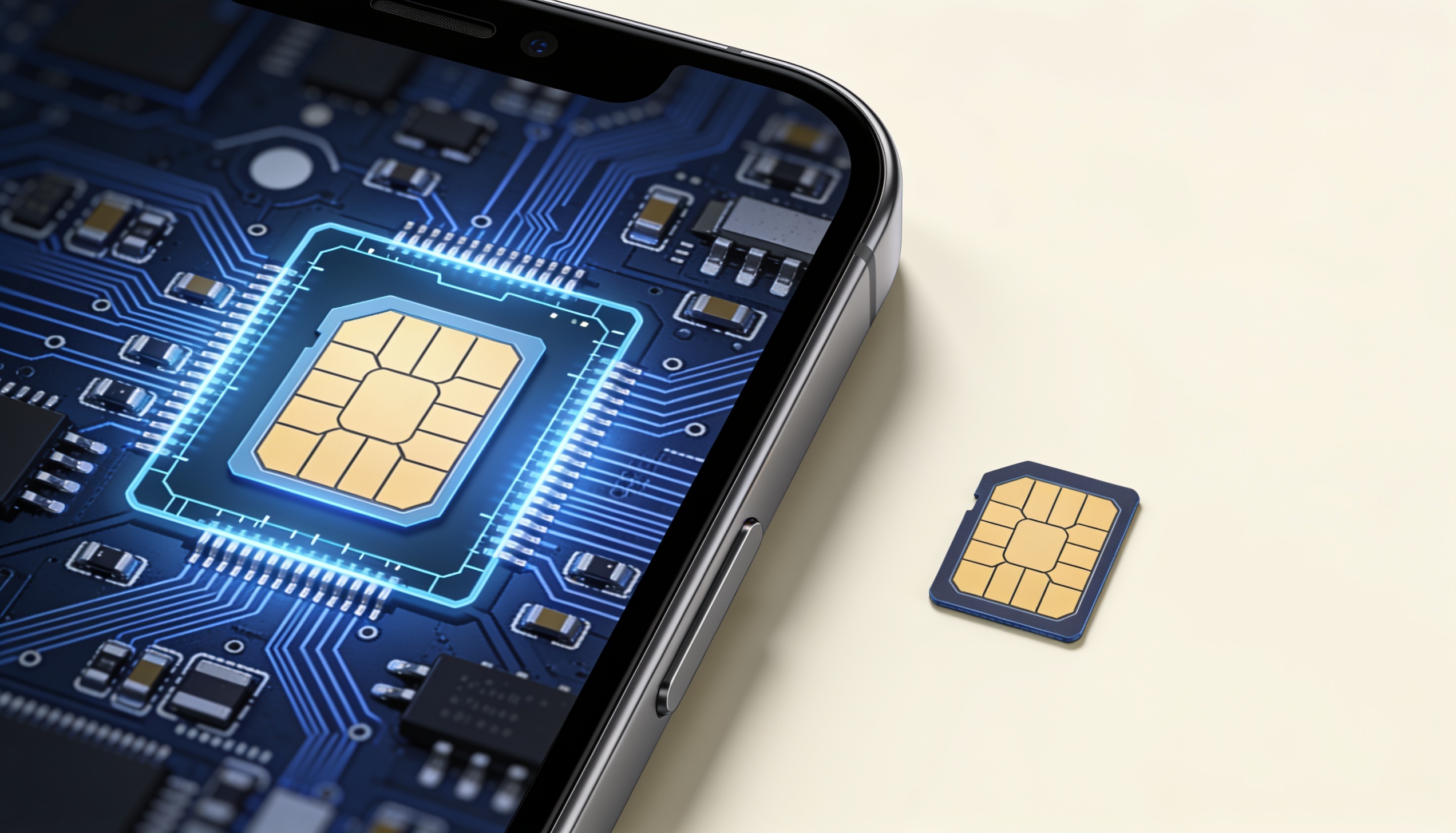
The choice between an eSIM vs SIM card in 2026 comes down to a hardware difference with real consequences for how you travel, how quickly you can switch plans, and how vulnerable you are to certain types of theft. Most flagship phones now support both — but the experience of using each is fundamentally different.
This isn't a comparison of roaming plans or data costs. That's covered in a separate guide. This is about the underlying technology: what makes an eSIM different from a physical SIM, which format works where, and which one fits your travel style.
What Is the Difference Between an eSIM and a Physical SIM Card?
A physical SIM (Subscriber Identity Module) is a removable plastic card that stores your carrier profile. An eSIM (embedded SIM) is a chip soldered directly into your phone's motherboard — it stores multiple carrier profiles digitally and can be reprogrammed over the air without any hardware swap.
The technical name for eSIM is eUICC (embedded Universal Integrated Circuit Card). Standardised by the GSMA, the eSIM spec lets carriers write, update, or delete profiles remotely — the same way an app updates itself. Your phone's hardware stays constant; only the software profile changes.
Physical SIMs come in three sizes: standard (2FF), micro (3FF), and nano (4FF). Nano-SIM is now universal across modern smartphones, but the physical swap requirement remains: you need a SIM ejector pin, the right tray format, and a card from a store or delivered by mail.
How Activation Works: Physical SIM vs eSIM
Activating a physical SIM means inserting a card and waiting for the carrier to provision your number — typically minutes, sometimes hours. Swapping to a different carrier means physically removing one card and inserting another. If you lose the card, you need a replacement.
Activating an eSIM is a download. Most carriers issue a QR code — you scan it in your phone settings, and the profile installs in under a minute. Some carriers use an activation code typed manually; others support direct transfer from their app. There's no physical object to lose, no tray to fumble with in an airport.
| Feature | Physical SIM | eSIM |
|---|---|---|
| Hardware | Removable plastic card | Chip soldered into device |
| Activation | Insert card, wait for provisioning | Scan QR code or enter activation code |
| Switching carriers | Swap card physically | Switch profiles in Settings |
| Activation speed | Minutes–hours | Under 60 seconds (usually) |
| Multiple plans active | Requires dual SIM slot | Store multiple profiles; use one at a time |
| Works if phone is lost | Card transfers to new device | Profile must be re-downloaded |
| Country availability | Effectively universal | 200+ countries; expanding rapidly |
eSIM vs Physical SIM Card: Convenience for Travellers
For international travel, eSIM wins on convenience in most scenarios. Before you board a flight, you can buy and activate a data plan for your destination — no hunting for a SIM kiosk at the airport, no waiting in queues, no risk of your current number going offline while you swap cards.
Switching between plans is frictionless. If you're travelling through multiple countries, you can install profiles for each and toggle between them in Settings rather than carrying a wallet of cards. Most eSIM-compatible phones store 5–20 profiles, though only one can be active at a time per line.
Physical SIMs still have an edge in one specific situation: countries where local SIMs are exceptionally cheap and widely available at every corner shop. In some Southeast Asian markets, walking into a 7-Eleven and buying a local SIM remains the fastest, cheapest path — and you don't need an internet connection to activate it. For eSIM activation, you typically need Wi-Fi or an existing data connection to download the profile.
Security: eSIM vs Physical SIM Card
The security picture is more nuanced than most guides acknowledge. Each format has distinct vulnerabilities.
Physical SIM risks
A physical SIM card can be removed and inserted into another device instantly — no authentication required. If someone steals your phone and can get the SIM out, they can use your number on any unlocked handset. SIM swap fraud — where an attacker convinces your carrier to transfer your number to a new SIM — is also possible, though it requires social engineering rather than physical access.
eSIM risks
An eSIM cannot be physically removed from your device, which eliminates the "grab and insert" attack. However, eSIM profiles can be targeted through social engineering at the carrier level — an attacker calls your carrier, impersonates you, and requests a profile transfer to a new device. This is functionally the same as SIM swap fraud for physical SIMs, just with different mechanics.
The more meaningful security advantage of eSIM is in everyday scenarios: your connectivity credential is not a small plastic object you can drop, have pickpocketed, or leave in a taxi. In high-theft travel environments, the absence of a physical SIM tray reduces one attack surface.
- Physical SIM: vulnerable to device theft + SIM removal; susceptible to SIM swap via carrier
- eSIM: can't be physically removed; still susceptible to carrier-level social engineering
- Both: use a SIM PIN (Settings → Cellular) to require a code before any profile change
Country and Carrier Support in 2026
Physical SIM cards work in virtually every country with mobile coverage. They are the universal standard and will remain available for years. If you're travelling to a remote destination or a country with limited eSIM infrastructure, a physical SIM may be your only realistic option.
eSIM support has expanded significantly. As of 2026, eSIM-compatible travel plans are available for 200+ countries — covering all major travel destinations in Europe, North America, Asia-Pacific, and most of Latin America. The gap has narrowed considerably, and for most mainstream travel itineraries, eSIM coverage is not a constraint.
Where eSIM still lags: some sub-Saharan African markets, parts of Central Asia, and remote island destinations. If your route includes these areas, verifying eSIM availability before relying on it is worth the few minutes it takes.
One important nuance: not all eSIM-compatible phones work on all eSIM plans. A phone purchased on a US carrier may be region-locked even if it supports eSIM. Always confirm your device is fully unlocked before purchasing any travel plan, eSIM or physical.
Dual SIM: Using eSIM and Physical SIM Together
Most modern flagship phones support Dual SIM — one physical nano-SIM slot and one eSIM. This combination is practical for travellers: keep your home number active on the physical SIM (so calls and texts from family reach you), and use an eSIM for local data at your destination.
On iPhones from XS/XR onward, and most Samsung Galaxy S-series and Google Pixel phones, this setup works natively. You designate one line as the default for data and the other for calls, and both are accessible simultaneously.
The main limitation: some older dual-SIM phones with two physical trays don't support eSIM at all. And phones that are eSIM-only (iPhone 14 and later in US models, for example) have no physical slot — dual SIM is eSIM + eSIM only, requiring the carrier to support multiple eSIM profiles simultaneously, which not all do.
Who Should Use an eSIM — and Who Should Stick with Physical SIM?
- Frequent international travellers who switch plans often
- People who want to activate connectivity before landing
- Those who want to keep a home number active alongside a travel plan
- Travellers to high-pickpocket-risk destinations
- Anyone who wants to avoid airport SIM kiosk queues
- Travellers to destinations with limited eSIM coverage
- Those buying cheap local SIMs at destination (common in Asia)
- Users with older phones that don't support eSIM
- Anyone sharing a plan between multiple devices (physical SIM can swap)
- Places where buying a SIM at a store is significantly cheaper than eSIM options
The honest answer for most frequent travellers in 2026: eSIM is the more convenient default for international data. Physical SIM remains the pragmatic choice for specific destinations and use cases. The best setup for many people is both — a dual SIM phone that handles each scenario as it comes.
Frequently Asked Questions
Can I use an eSIM and physical SIM at the same time?
Yes, on most modern smartphones. This is called Dual SIM — you can have a physical SIM (for your home number) and an eSIM (for a travel data plan) active simultaneously. Both lines receive calls and texts; you choose which line handles data as default. iPhone XS/XR and later, Samsung Galaxy S20 and later, and Google Pixel 4 and later all support this configuration.
Does eSIM drain battery faster than a physical SIM?
No — the eSIM chip itself is embedded in the phone's main board and draws no more power than a physical SIM card. Any battery difference between eSIM and physical SIM plans comes from network conditions (signal strength, network generation) rather than the SIM format itself.
What happens to my eSIM if I get a new phone?
eSIM profiles typically need to be re-downloaded on a new device. Many providers allow this via a new QR code or through their app, but most limit how many times you can reinstall a profile (commonly 1–3 times). For iPhone users on iOS 16 or later, Apple's Quick Transfer feature can migrate some eSIMs automatically during device setup. Check your provider's specific reinstall policy before switching phones.
Is eSIM available in all countries?
eSIM-compatible travel plans now cover 200+ countries in 2026, including all major destinations in Europe, North America, Asia-Pacific, and much of Latin America. Physical SIM coverage remains broader — particularly in parts of sub-Saharan Africa and Central Asia. For mainstream travel routes, eSIM availability is rarely a limiting factor.
Can an eSIM be hacked or cloned?
An eSIM cannot be physically removed and cloned the way some physical SIMs can. However, eSIM profiles can be transferred to a new device through carrier social engineering — the same type of attack as SIM swap fraud for physical SIMs. Protect against this by enabling a SIM PIN and a carrier account PIN, and registering a secondary authentication method with your carrier.
Do I need Wi-Fi to activate an eSIM?
Yes, typically. Downloading an eSIM profile requires a data connection — usually Wi-Fi. This means you should activate your travel eSIM before you leave home, or connect to airport Wi-Fi upon arrival before you need data. Physical SIMs activate over the cellular network itself and don't require an existing data connection to provision.
Compare travel eSIM plans at RoamPrice
Search plans by destination, filter by data amount and validity, and see price per GB side by side — for free, with no account required.