How to Use WhatsApp Abroad Without Extra Charges (2026)
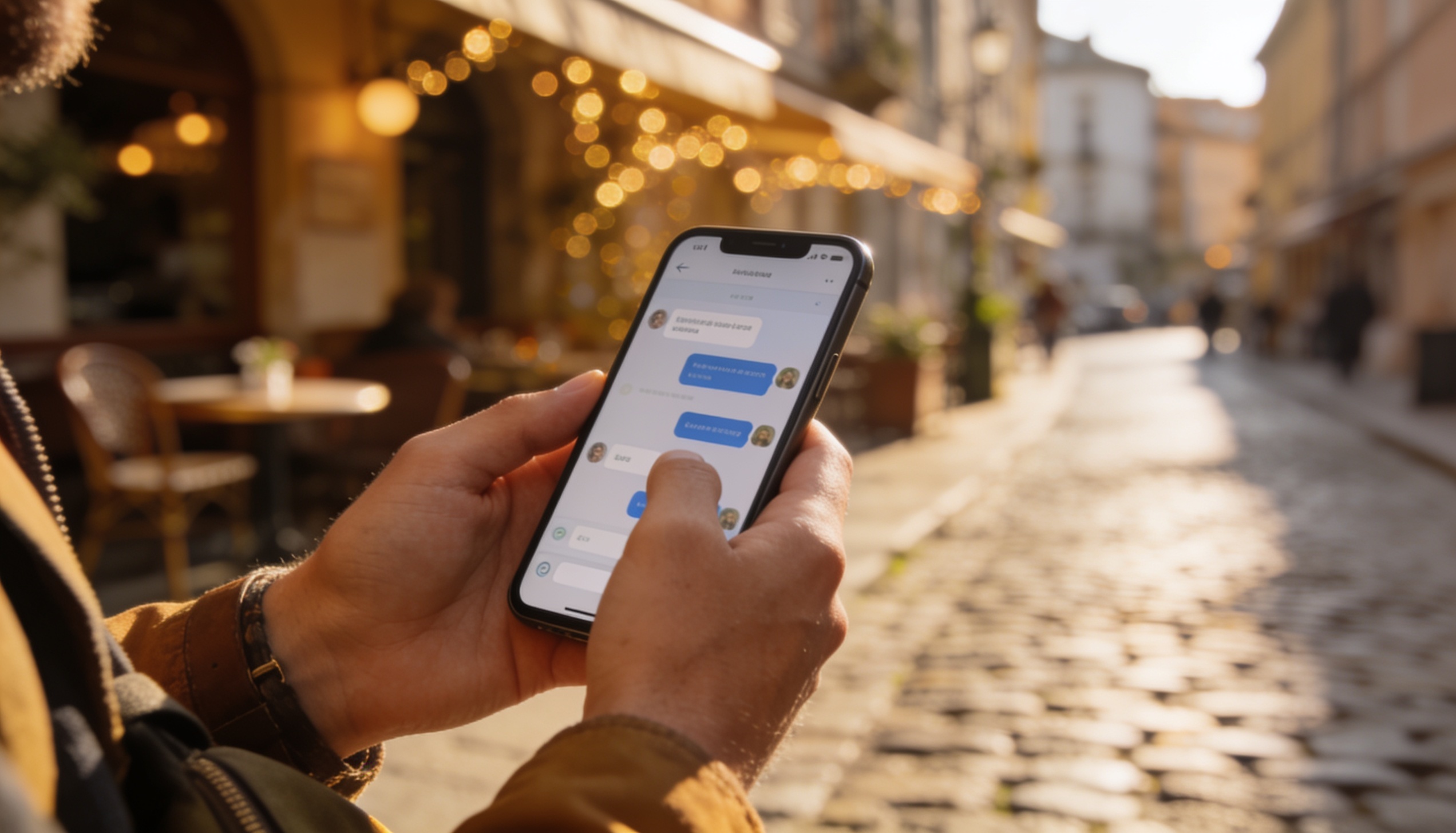
WhatsApp is free to use abroad — it routes everything over data, not the carrier's SMS or calling network. That means sending a message to someone in another country costs exactly the same as sending one locally: whatever your data plan charges. The trap is data roaming charges from your home SIM. Here's how to avoid them entirely.
How to use WhatsApp abroad without extra charges: WhatsApp uses data, not SMS — so there are no per-message or per-minute international charges from WhatsApp itself. To avoid costs: turn off data roaming on your home SIM, use a travel eSIM or hotel Wi-Fi for data, and your WhatsApp number stays the same. Your home SIM keeps your number active without needing data turned on.
Why WhatsApp Is Free to Use Internationally
WhatsApp is a data app. Every message, call, and file transfer happens over your internet connection — not the carrier's voice or SMS network. This means international WhatsApp messages don't trigger the per-SMS or per-minute international rates that carrier text and calls do.
The only cost is the data your plan is charged for carrying the WhatsApp traffic, which is minimal for messaging. Text conversations use around 5 MB per hour of active chatting. Voice calls use 35 MB per hour. Only video calls are heavier, at around 300 MB per hour.
The problem most travellers run into isn't a WhatsApp charge — it's their home carrier's roaming data charge. If your home SIM's data roaming is switched on, every MB of WhatsApp data you use goes through your home carrier's roaming rate, which can be expensive depending on your carrier and destination.
The Right Setup for WhatsApp Abroad
The cleanest approach is a dual-SIM setup: your home SIM stays in the phone for your number (calls and SMS still route through it even without data), and a travel eSIM provides data. WhatsApp runs over the travel eSIM's data connection. Your number stays the same. No roaming charges.
- Keep your home SIM in the phone — this keeps your WhatsApp number active, and lets you receive SMS verification codes if needed.
- Turn off data roaming on your home SIM — Settings → Cellular (iPhone) or Connections → Mobile Networks (Samsung) → turn data roaming OFF for your home SIM line.
- Install a travel eSIM and set it as the primary data line — your phone routes all internet traffic (including WhatsApp) through the travel eSIM.
- In WhatsApp, no changes are needed — it will automatically use whichever data connection is active.
Key point: WhatsApp is tied to your phone number, not your SIM's data. As long as your home SIM stays in the phone (even with data roaming off), your WhatsApp number remains active and you receive messages normally.
WhatsApp Data Usage Abroad — Full Breakdown
| WhatsApp Activity | Data Per Hour | Notes |
|---|---|---|
| Text messaging | ~5 MB | Very light — hundreds of messages per MB |
| Sending photos | ~1–5 MB per photo | Varies by image resolution |
| Sending videos | ~5–30 MB per clip | WhatsApp compresses before sending |
| Voice call | ~35 MB/hr | Very efficient — equivalent to audio streaming |
| Video call | ~300 MB/hr | Single biggest WhatsApp data use |
| Voice note | ~1 MB/min | Low quality audio — efficient format |
Using WhatsApp on Wi-Fi Only
WhatsApp works entirely over Wi-Fi — no active SIM data connection needed. If you're staying in a hotel with reliable Wi-Fi, you can turn off mobile data entirely and use WhatsApp only when connected to Wi-Fi. You'll receive messages instantly when connected, and missed messages will arrive in a batch when you reconnect.
To restrict WhatsApp to Wi-Fi only: on iPhone, go to Settings → Cellular → WhatsApp → toggle off. On Android, you can use the system's data usage settings to restrict WhatsApp to Wi-Fi only: Settings → Network & Internet → Data usage → WhatsApp → disable background data or "Restrict app background data."
Note on WhatsApp Calls: WhatsApp voice and video calls use data aggressively even on a brief connection. If you're using a Wi-Fi only setup and step into a spot with intermittent Wi-Fi, a background call or download can briefly switch to mobile data if your phone allows it. Check that "Wi-Fi Assist" (iPhone) or "Adaptive connectivity" (Android) is turned off if you want strict Wi-Fi-only operation.
Does WhatsApp Work in Countries That Block It?
WhatsApp is blocked or restricted in a small number of countries, including China and the UAE (where VoIP calls are restricted). In China, WhatsApp is inaccessible on local SIM cards — but a roaming travel eSIM that routes traffic through a foreign network node can bypass this restriction at the network level. If you're travelling to China specifically, see our full guide on eSIM in China.
In the UAE, WhatsApp messaging works, but voice and video calls may be blocked depending on your carrier. Check your carrier's specific policy before relying on WhatsApp calls there.
Frequently Asked Questions
Does WhatsApp charge extra for international messages?
No. WhatsApp uses data, not the carrier's SMS network — there are no per-message or per-minute international charges from WhatsApp itself. You pay only for the data your plan uses to carry WhatsApp traffic, which is very small for text messaging (around 5 MB per hour of active chatting).
Will my WhatsApp number change if I use a travel eSIM?
No. WhatsApp is tied to your phone number, not your SIM card or data connection. As long as your home SIM stays in the phone (even with data roaming turned off), your WhatsApp number remains active. You can use the travel eSIM for data without any effect on your WhatsApp identity.
Can I use WhatsApp abroad on Wi-Fi only?
Yes. WhatsApp works fully over Wi-Fi — you can send messages, make calls, and receive media without any mobile data connection. On iPhone, disable WhatsApp's cellular access in Settings → Cellular. On Android, restrict WhatsApp's background data in network settings. You'll receive messages whenever you connect to Wi-Fi.
How much data does a WhatsApp call use abroad?
A WhatsApp voice call uses approximately 35 MB per hour — very efficient, equivalent to streaming low-quality audio. A WhatsApp video call uses around 300 MB per hour. For a 30-minute voice call daily, you'd use roughly 17 MB per day — well under even a 1GB plan's budget if you're not doing other heavy data activities.
Set up a travel eSIM before your next trip and use WhatsApp for free.
Compare plans for your destination — data, validity, and real-time pricing. Free, no sign-up. roamprice.com →