Is My Phone Unlocked? How to Check Before Travel (2026)
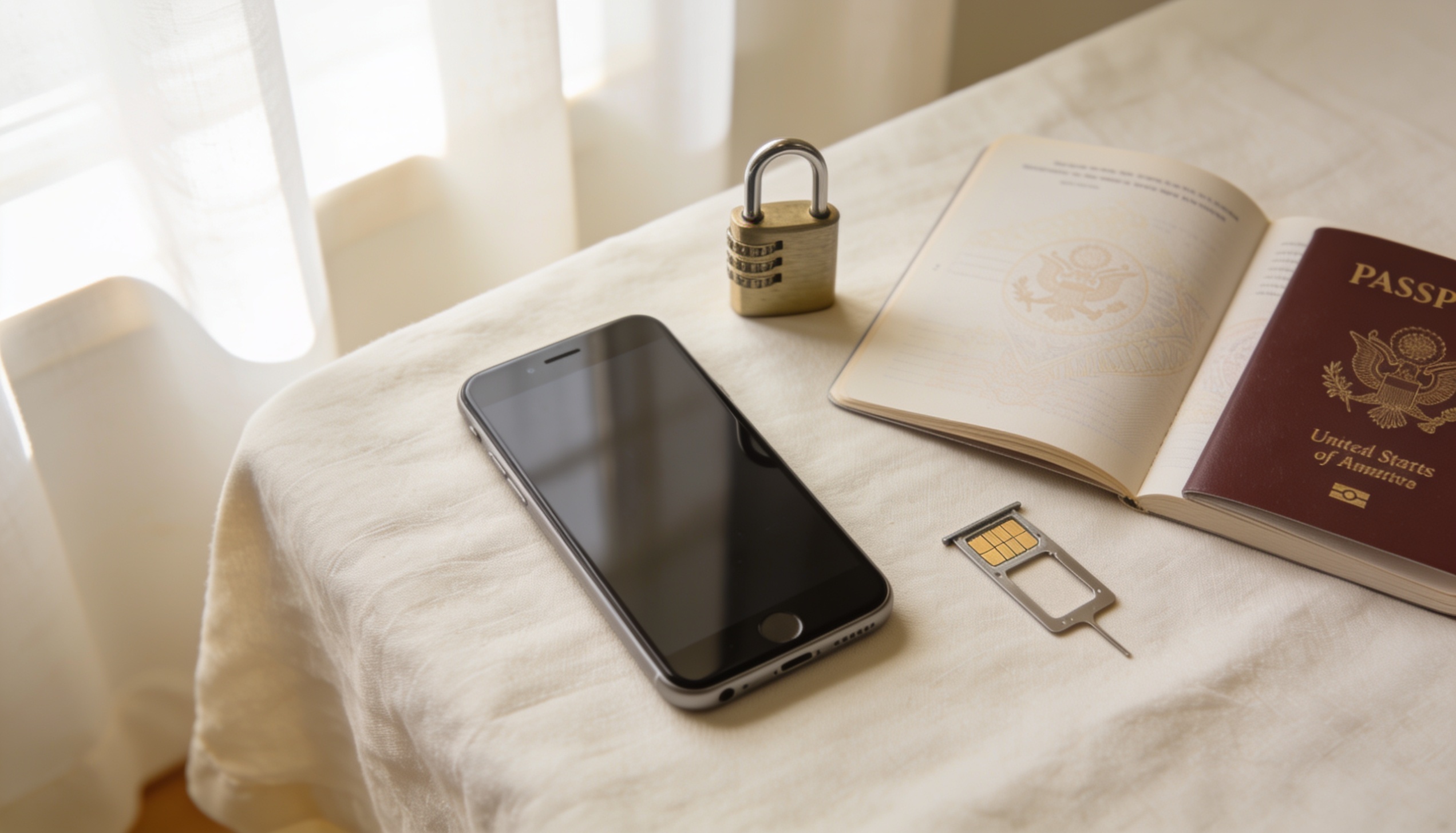
A locked phone will reject any SIM card that isn't from your home carrier — including travel eSIMs. The check takes under 60 seconds on any iPhone or Android, and knowing your status before you leave avoids a frustrating situation at the airport. Here's how to do it on every major device.
How to check if my phone is unlocked: On iPhone, go to Settings → General → About → scroll to "SIM Lock" — "No SIM restrictions" means unlocked. On Samsung, Settings → About phone → Status → SIM card status. On any phone, dial *#06# to get your IMEI, then check it at imei.info or your carrier's website. A locked phone will not work with travel eSIMs or foreign SIM cards.
What Does "Locked" Mean — and Why Does It Matter for Travel?
When you buy a phone through a carrier on a contract or payment plan, the carrier often installs a software lock that restricts the phone to their network only. This means the device will refuse to connect if you insert a SIM card from any other provider — including a foreign carrier's SIM or a travel eSIM purchased online.
For most people this is invisible at home, because they always use their home carrier's SIM. It only becomes a problem when travelling — specifically when you try to activate a local or travel data plan. A locked iPhone will show "SIM Not Supported" or "Invalid SIM" when you try to install a travel eSIM profile. A locked Android will similarly refuse to register on any foreign network.
The good news: unlocking is usually free once your contract obligations are met, and carriers are legally required to unlock devices on request in many countries including the UK, US, and most of Europe. The process takes a few days and can be done before you travel.
How to Check if Your iPhone Is Unlocked
- Open Settings on your iPhone.
- Tap General, then About.
- Scroll down to find "SIM Lock" or "Carrier Lock".
- If it says "No SIM restrictions" — your phone is unlocked and ready for any carrier or travel eSIM.
- If it shows your carrier name (e.g. "T-Mobile") — your phone is locked and you'll need to request an unlock before using a travel eSIM.
Note: This setting only appears on iPhones running iOS 14 or later. If you don't see a "SIM Lock" or "Carrier Lock" entry in About, your phone is likely unlocked — but you can confirm by trying a foreign SIM or checking via IMEI (see below).
How to Check if Your Samsung Phone Is Unlocked
- Open Settings and tap About phone.
- Tap Status (or Status information on newer One UI versions).
- Tap SIM card status.
- Look for "Network" — if it says your home carrier, the phone may be locked. If it says "Unknown" or lists no carrier restriction, it's typically unlocked.
Samsung's lock status display varies between One UI versions, which can make this check less reliable than on iPhone. The most definitive method for Samsung is the IMEI check described below, or simply inserting a foreign SIM and seeing whether it connects.
How to Check if Any Android Phone Is Unlocked
Method 1 — IMEI check
- Dial *#06# on your phone. Your 15-digit IMEI number will appear on screen.
- Go to imei.info in a browser and enter your IMEI.
- The result will show your carrier lock status, blacklist status, and device model. "Unlocked" or "No restriction" means your phone will work with any SIM.
Method 2 — Try a foreign SIM
If you have a SIM card from any carrier other than your home provider, insert it and restart the phone. If the phone connects to that network (even without an active plan, you should see the carrier name in your status bar), the phone is unlocked. If you see "Invalid SIM," "SIM Not Supported," or "Emergency calls only," it's locked.
Method 3 — Stock Android / Pixel
Pixel phones and other stock Android devices running Android 12 or later often show lock status under Settings → About phone → SIM status. Pixels bought directly from the Google Store are typically sold unlocked. Pixels purchased through a carrier may be locked for the first 30–90 days.
How to Unlock Your Phone for International Travel
If your phone is locked, here's how to unlock it. The process varies by carrier, but the steps are broadly similar.
iPhone — Unlock via Apple or carrier
Contact your carrier directly (by phone, online chat, or their website). In most cases you'll need to have completed your device payment plan or contract term. The carrier submits an unlock request to Apple, and within 1–5 business days your iPhone will be permanently unlocked — no software required. You'll get a confirmation email from Apple.
Samsung and Android — Unlock via carrier
Request a "Device Unlock" from your carrier. Some carriers provide an app or a code to enter in a menu (Settings → Connections → Mobile Networks → Network operators). Others unlock remotely. Allow 1–7 business days. Once unlocked, the status is permanent — it doesn't re-lock if you switch back to your home SIM.
Unlock timing — do it early
Unlock requests often take 2–5 business days to process. Submit the request at least a week before your trip so you have time to confirm it worked before you leave. An unlocked phone can also be verified by inserting any foreign SIM card at home and checking that it connects normally.
Does Unlocked Mean eSIM Compatible?
Not automatically — these are two separate things. A phone can be unlocked (no carrier restriction) but not eSIM-capable (no embedded SIM chip). Separately, a phone can support eSIM hardware but have eSIM activation disabled by the carrier (common with some US carrier models).
| Device | eSIM supported from | Notes |
|---|---|---|
| iPhone XS / XR and later | 2018 | iPhone 14 US models: physical SIM tray removed, eSIM only |
| Samsung Galaxy S20 and later | 2020 | Some carrier-branded models have eSIM disabled — buy unlocked versions |
| Google Pixel 3a and later | 2019 | All Pixel models from 3a support eSIM; Pixel 7+ has dual eSIM |
| OnePlus | Varies by model | eSIM support added from OnePlus 11 onwards in select markets |
To confirm your phone supports eSIM, dial *#06# and check for an EID number below your IMEI. If an EID appears, your phone has an eSIM chip. If no EID appears, the phone doesn't support eSIM regardless of lock status.
Frequently Asked Questions
How do I know if my phone is unlocked?
On iPhone: Settings → General → About → SIM Lock. "No SIM restrictions" = unlocked. On Samsung: Settings → About phone → Status → SIM card status. On any phone: dial *#06# to get your IMEI, then check it at imei.info for your carrier lock status.
Can I use a travel eSIM on a locked phone?
No. A carrier-locked phone will reject any eSIM profile that isn't from your home carrier. You'll typically see an error like "SIM Not Supported" when trying to install a travel eSIM. You need to unlock the phone with your carrier first — the process is usually free once your contract or device payment is complete.
Will unlocking my phone void the warranty?
No. Carrier unlocking is a standard process fully supported by Apple, Samsung, and Google. It does not void your manufacturer warranty. It simply removes the carrier restriction — the phone hardware and software are unchanged.
How long does it take to unlock a phone?
Most carrier unlock requests are processed within 2–5 business days. Some carriers offer same-day or next-day unlocking if your contract has been fully paid. Submit the request well in advance of travel — at least a week before departure to have time to confirm the unlock went through.
Does factory unlocked mean the same as carrier unlocked?
Yes — "factory unlocked" means the phone was sold without any carrier lock from the start (typically when bought direct from Apple, Google, Samsung, or a retailer). "Carrier unlocked" means a previously locked phone had its lock removed by the carrier. Both have the same result: the phone works with any SIM worldwide.
Phone unlocked and eSIM-ready? Find the best plan for your destination.
Compare travel eSIM plans — data, validity, price — all in one place. Free, no account needed. roamprice.com →