What Is eSIM? A Beginner's Complete Guide (2026)
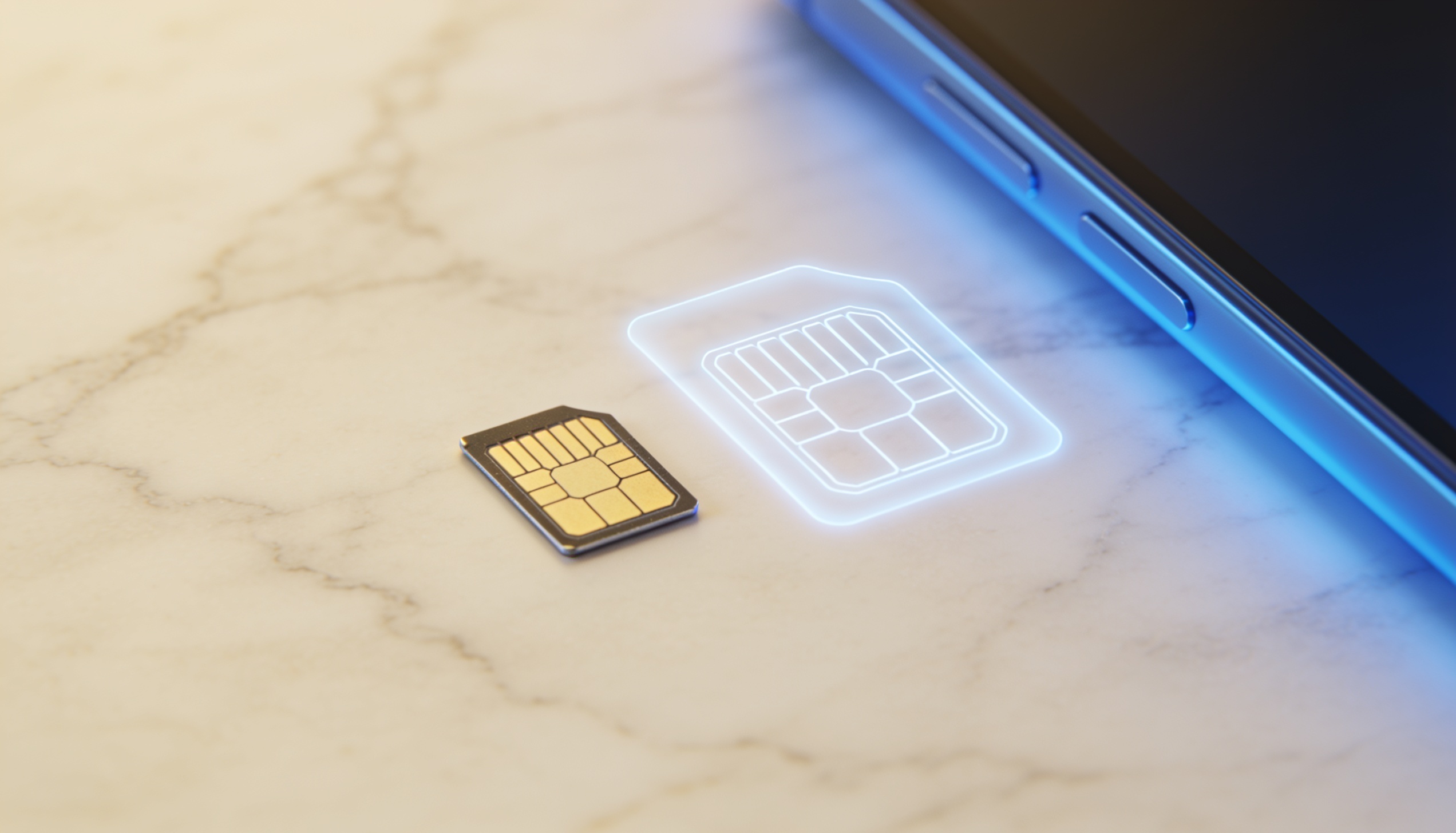
Billions of people now carry eSIM-capable phones without knowing it. eSIM technology ships standard in virtually every flagship smartphone sold in 2026, and in most mid-range devices too — but the people who travel most are often the last to discover what it actually does for them. The short version: you can activate a local data plan for any country in the world in under five minutes, without touching a physical SIM card.
This guide explains what eSIM is, how it works, which phones support it, and how to use one for travel.
What Is eSIM?
eSIM (Embedded SIM) is a digital SIM card built directly into your phone's hardware. Unlike a physical SIM card that you insert and remove, an eSIM is permanently soldered onto your device's motherboard and programmed remotely. You activate a mobile plan by scanning a QR code or using an app — no card, no tray, no waiting for delivery. You can store multiple eSIM profiles on one device and switch between them instantly.
The "e" stands for embedded. Instead of a small plastic card that stores your carrier credentials, eSIM uses a chip that's sealed inside the phone. Your carrier's network details — the profile that tells the network who you are — are downloaded wirelessly and stored on that chip. The chip itself never changes; only the profiles stored on it do.
This distinction matters for travellers. With a physical SIM, accessing a local data plan abroad means finding a shop, buying a card, inserting it (and losing access to your home number in the process). With eSIM, you download a travel plan from anywhere — your sofa, the departure gate, the taxi from the airport — and your phone runs both your home number and the travel plan simultaneously on separate lines.
How Does eSIM Work?
eSIM relies on a technology called Remote SIM Provisioning (RSP). This is the system that allows a carrier's network credentials to be securely downloaded to your device over the internet and written to the embedded chip. The process that used to require a physical card and a shop visit now takes under three minutes and a Wi-Fi connection.
In practical terms, the process works like this: a provider gives you a QR code (or an activation code to enter manually). Your phone's camera scans the QR code, the device connects to the provider's servers, downloads the profile, and stores it on the eSIM chip. From that point, your phone can connect to that carrier's network just as it would with a physical SIM.
Modern smartphones can store multiple eSIM profiles simultaneously — typically 5–8 or more depending on the device. You can have your home carrier's plan, a travel eSIM for Japan, and another for Europe, all stored on the same phone. You switch between them in Settings, taking a few seconds, no physical hardware involved.
eSIM vs Physical SIM Card — Key Differences
| Physical SIM | eSIM | |
|---|---|---|
| Form | Removable plastic card | Built-in chip, not removable |
| Activation | Insert card, wait for signal | Scan QR code, done in minutes |
| Changing plans | Swap card physically | Switch profile in Settings |
| Multiple plans | One per slot (dual SIM: 2) | Up to 8+ stored simultaneously |
| Active at once | 1 per slot | Typically 2 (dual SIM + eSIM) |
| Travel use | Buy card in-country or order in advance | Buy and activate from anywhere, before or after arrival |
| Lost phone risk | SIM can be removed and used elsewhere | Profile stays on device, harder to misuse |
One nuance worth knowing: most phones with eSIM also have a physical SIM slot. They're not mutually exclusive. So in practice, you can keep your home carrier's physical SIM in the slot and activate a travel eSIM alongside it — your home number stays reachable for calls while the eSIM handles your data abroad.
Which Phones Support eSIM in 2026?
In 2026, eSIM is standard across the overwhelming majority of flagship and mid-range smartphones. The fastest way to check your device: open the dialer, type *#06#, and look at the result. If an EID (Embedded Identity Document) number appears alongside your IMEI, your phone supports eSIM.
iPhone
All iPhones from iPhone XR (2018) onwards support eSIM. iPhone 14, 15, 16, and 17 models sold in the US are eSIM-only — they have no physical SIM slot at all. iPhones sold in mainland China do not support eSIM regardless of model.
Samsung Galaxy
All Galaxy S series from S20 onwards, all Z Flip and Z Fold models, and select A-series phones (A35, A54, A55, A56 and later) support eSIM. Samsung devices sold in mainland China typically do not.
Google Pixel
Google has included eSIM since the Pixel 2 (2017). All Pixel phones from Pixel 2 onwards support eSIM as standard.
Other Android
eSIM support is increasingly common across Motorola, OnePlus, Xiaomi, OPPO, and Honor flagship lines. Mid-range support varies by model and region — check your specific model on the manufacturer's site or via the *#06# dialer code.
How to Get and Activate a Travel eSIM — Step by Step
Check your phone supports eSIM
Dial *#06# on your phone. If an EID number appears, you're good to go. Also confirm your phone is carrier-unlocked — a locked phone can only use eSIMs from its home carrier.
Compare plans for your destination
Different providers offer very different amounts of data, validity periods, and coverage for the same destination. Compare options side by side before choosing — prices and plan specs vary significantly.
Purchase and receive your QR code
After purchasing, you'll receive a QR code by email or in an app. Do not scan it immediately if you're not travelling yet — some providers start the validity period at the moment of activation, not first use.
Scan the QR code on Wi-Fi
iPhone: Settings → Cellular → Add eSIM → Use QR Code. Android: Settings → Connections → SIM card manager → Add eSIM. A Wi-Fi connection is required to download the profile.
Set your lines before departure
Assign your home SIM to calls and SMS, and your travel eSIM to data. Turn off data roaming on your home line. You'll land already connected — no airport queue, no SIM hunt.
Why eSIM Is Particularly Useful for Travel
The case for eSIM in travel comes down to three things: speed, cost, and keeping your home number active.
Speed. Activating a local data plan used to mean finding a carrier shop on arrival, waiting in a queue, and potentially dealing with a language barrier. With eSIM, the plan is active before you board — or can be activated in the taxi from the airport if you forgot.
Cost. Carrier roaming charges remain expensive in 2026, particularly in Asia and the Americas. Travel eSIM plans designed specifically for tourists are typically priced far below what your home carrier charges for international data. The savings on a week-long trip can be substantial — though exact figures vary by destination and provider.
Your home number stays active. This is the detail most people underestimate. When you buy a local SIM abroad in the traditional way, your home SIM goes in your pocket and your home number goes unreachable. With eSIM + physical SIM running simultaneously, your home number stays live for calls and texts while the eSIM handles data. You don't miss calls from your bank, your family, or anyone who doesn't know you're travelling.
Frequently Asked Questions
Can I use eSIM and a physical SIM at the same time?
Yes, on most modern smartphones. This is called Dual SIM functionality. Your physical SIM handles calls and texts from your home number, while your eSIM provides local data. You assign which line handles which function in your phone settings. Both remain active simultaneously.
Does eSIM work in every country?
eSIM coverage depends on your provider and their network partnerships. Most major travel eSIM providers cover 100+ countries. Some destinations — notably mainland China — have limited eSIM support due to local regulations, and some providers don't cover every country equally. Always check the coverage for your specific destination before purchasing.
What happens to my eSIM if I lose my phone?
Your eSIM profile is tied to the device's hardware, not a removable card. If you lose your phone, someone else cannot remove your eSIM and use it in another device the way they could with a physical SIM. You should still report the loss to your carrier immediately to suspend service — but the physical security risk is lower than with a traditional SIM card.
Can I delete an eSIM and get a refund if I don't use it?
Refund policies vary by provider. Many travel eSIM providers allow cancellation before activation for a full refund. Once scanned and activated, most plans are non-refundable. Read the provider's terms before purchasing — and save the QR code somewhere safe rather than scanning it immediately if your trip is weeks away.
Is eSIM more expensive than a local SIM card?
Sometimes, sometimes not. Local SIM cards bought in-country can be very cheap in destinations like Thailand, India, or Vietnam. In countries where local SIM infrastructure is more regulated — Japan, the US, parts of Europe — travel eSIMs are often cost-competitive. The convenience premium is real in some markets, but the gap has narrowed significantly as competition among eSIM providers has grown.
Your phone probably supports eSIM — find a plan for your next trip.
Compare travel eSIM plans by destination on RoamPrice. Data amounts, validity, and pricing side by side — free, unbiased, no sign-up needed.